ERP · CRM · Custom Business Software
Move your work online, bring your data into one place, and auto-run the flows that run your firm. Sales, clients, stock, purchase, finance, HR, reports and sign-offs.
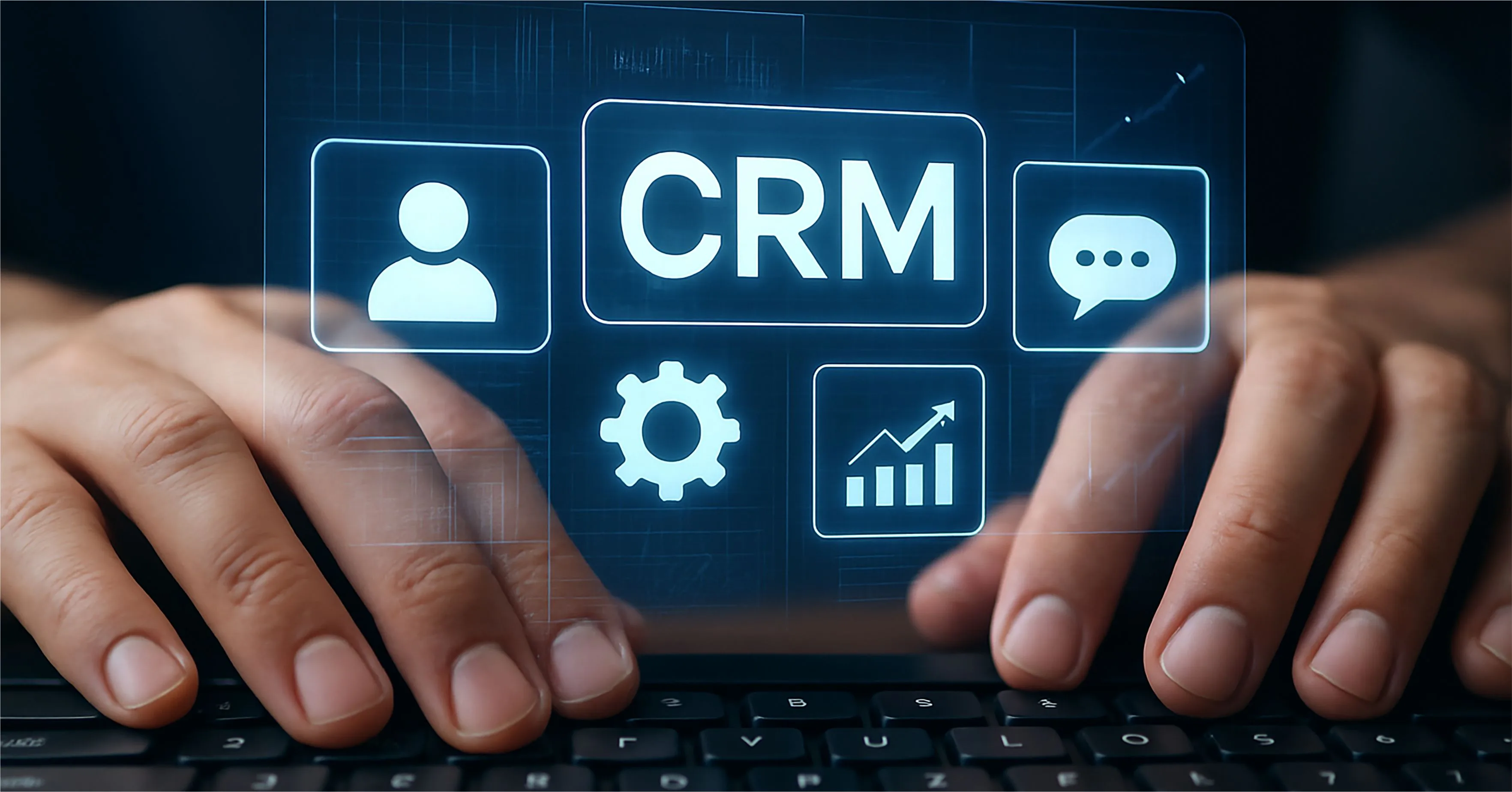
CRM & Management
₹99,999+
- Leads & pipeline
- Customers
- Tasks & teams
- Dashboards
- Automation
ERP Professional
₹1,99,999+
- Multi-module
- Inventory + purchase
- Finance workflows
- Reports
- Integrations
Need something outside standard ERP/CRM, like a desktop tool, approval workflow or compliance system? See Custom Software Development. Not sure if you need ERP, CRM, or both? Read our ERP vs CRM guide, or our ERP software cost guide. Either way, talk to us first. We'll point you to the right fit, not just the one we'd rather sell.
Off-the-shelf licensing vs. owning a custom system
Standard ERP tools charge per user, per month. That looks cheap at first. But it grows with your team size. A 5-user setup and a 50-user setup cost very different amounts over time. Add new staff next year, and the bill goes up again, with no end date. A custom system fits your real workflow instead. You own it outright, with no ongoing per-seat fee. It costs more to build at the start. But for a non-standard process, it often costs less over 2 to 3 years than fees on a tool that still needs constant fixes. Think of it less as a one-off cost, and more as a long bet on your own way of working. Once it's built, it's yours. No one can raise your rate next year, or drop a feature you rely on.
The costs most ERP quotes leave out
Data migration means moving old client, stock and sales records into a new system. It takes real work, and often gets billed apart, if at all. Training is easy to skip, and costly to skip. A tool your team can't use well saves you nothing. Links to the tools you run now — your site, your accounts tool, your old CRM — matter too. They decide whether the new tool cuts double-entry, or just becomes one more place to type the same data. Ask early who owns the data once it moves. Ask who checks it for gaps before go-live day. A clear plan for these steps, set out up front, tends to save real time and real money once the build starts.
How to tell which tier your firm needs
Business Utility, at ₹49,999 and up, fits in-house tools, forms, workflows and reports that don't yet need a full CRM or ERP. CRM & Management, at ₹99,999 and up, suits a firm whose core work is leads, customers, tasks and dashboards. ERP Professional, at ₹1,99,999 and up, covers many parts at once: stock, purchase, finance flows and the links between them. It suits a setup that's complex enough to need it all joined up. If you're not sure which one fits, start with a plain list of your own pain points. What task eats the most time each week? What keeps slipping through the cracks? That list, more than any label, points to the right tier for your firm.
Questions about erp · crm · custom business software
ERP/CRM tiers cover normal firm work: sales, stock, finance, clients. If your process is truly unlike that shape — odd approval chains, sector-specific rules, unusual booking logic — that's Custom Software Development instead. Most firms fit an ERP/CRM tier just fine. It's only the edge cases, the odd one-off steps no other firm has, that need a fully custom build. See that page for more on where the line sits.
Yes. Data migration is its own step in the plan, not just assumed. Moving client, stock and past records the right way is real work, and it shapes your schedule. We map your old fields to the new system first, then run a test move before the real one. That way you can check the numbers match before you rely on them day to day.
Linking to the tools you run now is part of what makes an ERP/CRM worth it. We plan this early on. That way your site, your accounts, and your CRM or ERP aren't cut off from each other, needing typed re-entry. If a tool has an open API, we can link to it. If it doesn't, we'll tell you plainly up front, so it's never a surprise mid-build.
It depends on how many parts you need, and how much you need linked. A Business Utility tool moves much faster than a full ERP Professional build. We give you a real schedule once we know your actual process, not a stock guess. Add old data to move, or many tools to link, and the timeline shifts too. We flag that up front, not once the clock has started.
Ready to replace the spreadsheets with a system that fits how you work?
Walk us through your day-to-day process. We'll tell you honestly whether you need ERP, CRM, or a system that does both.